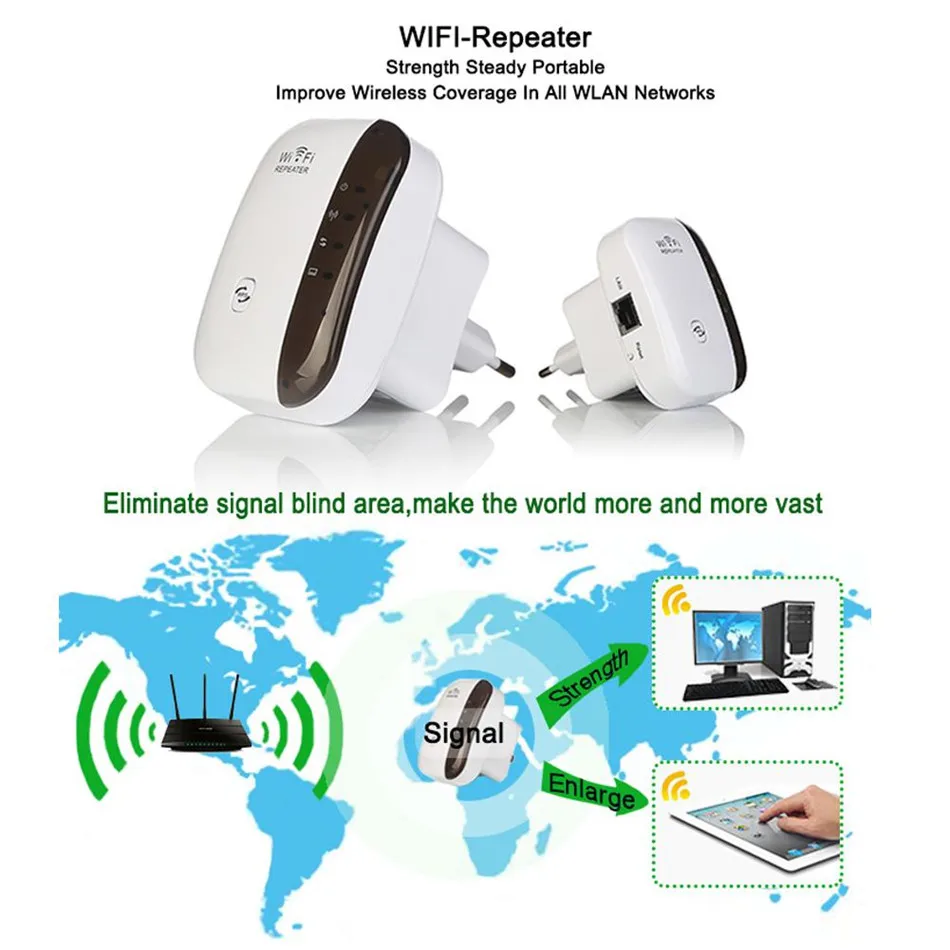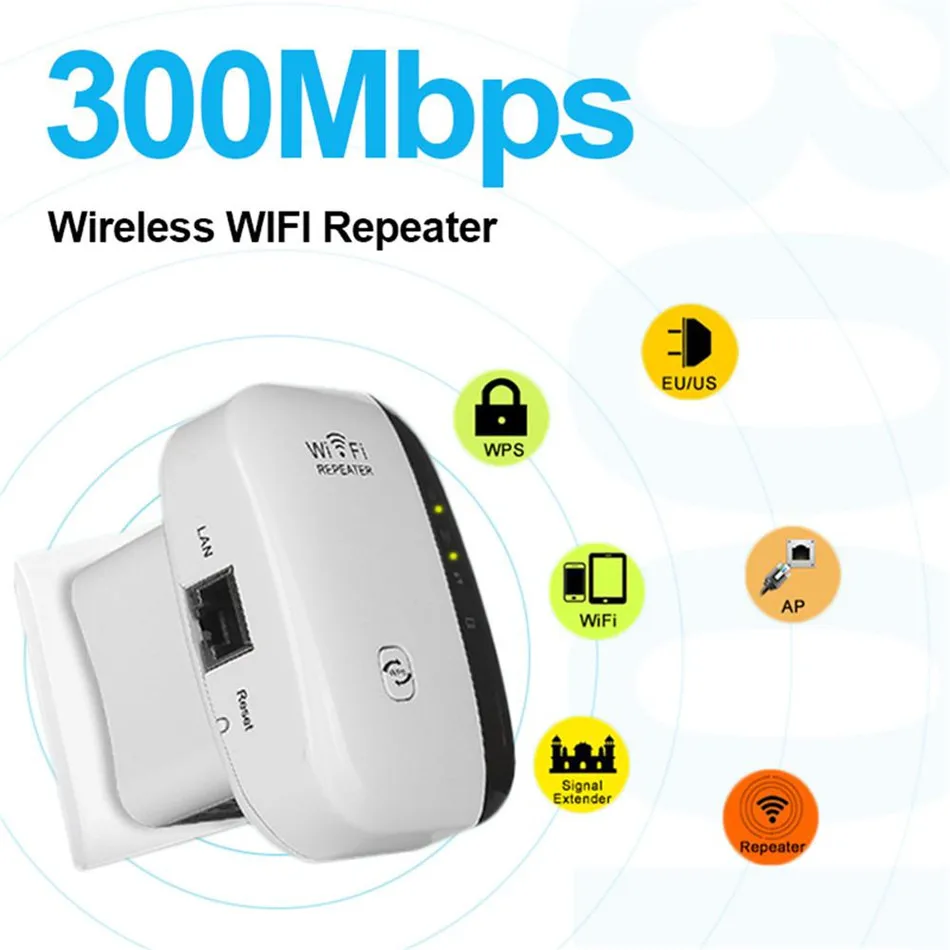
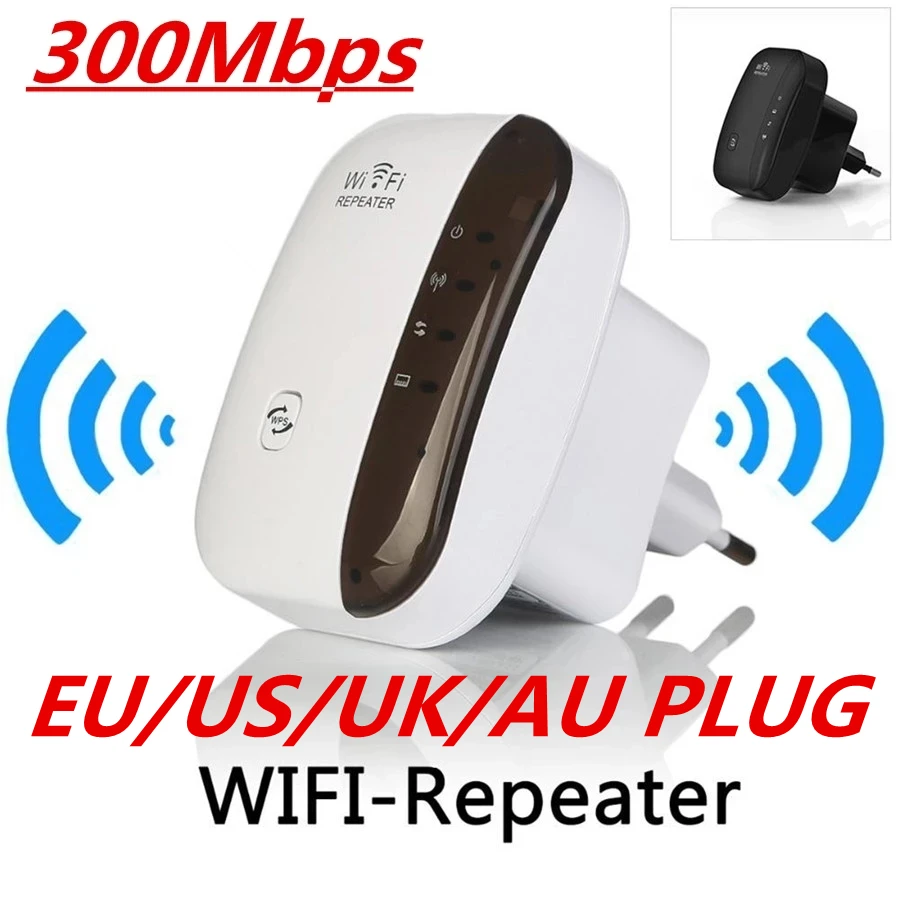
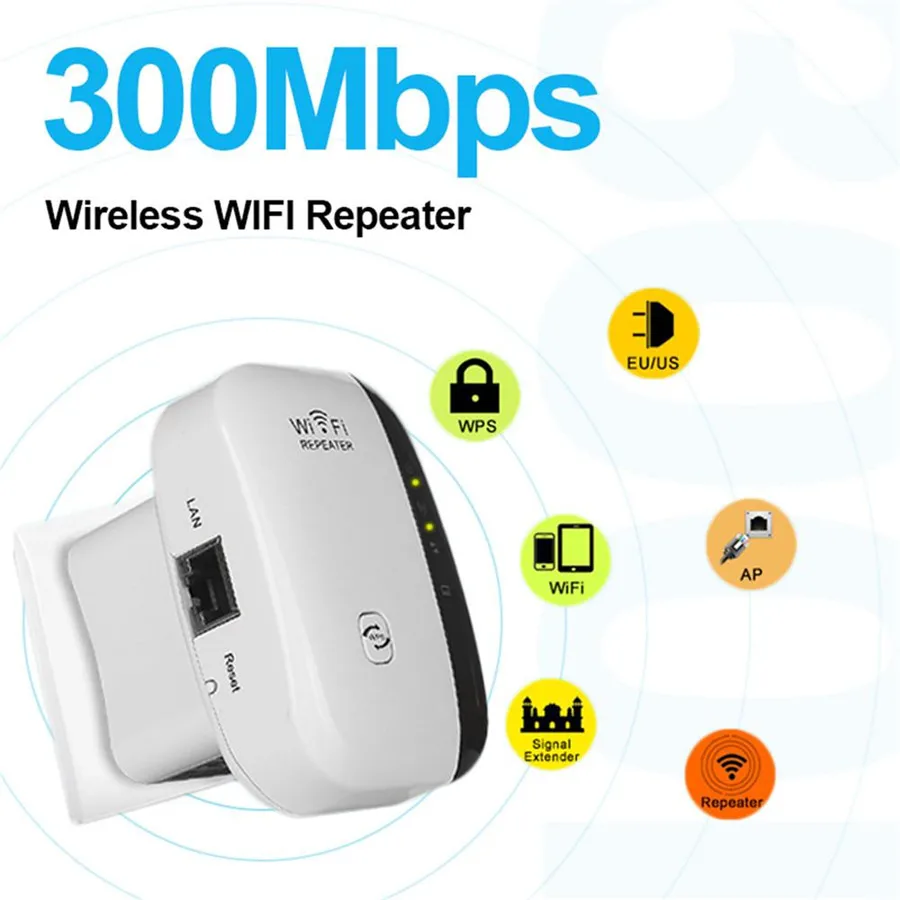
Wireless Wifi Repeater Wifi Range Extender Router Wi-Fi Signal Amplifier 300Mbps WiFi Booster 2.4G Wi Fi Ultraboost Access Point
964 in stock
Price range: $28.32 through $32.58
- Brand Name: VIKEFON
- Origin: CN(Origin)
- With Modem Function: Yes
- Type: wireless
- Certification: CE
- Wired Transfer Rate: 10/100Mbps
- WAN Ports: 1 x10/100Mbps
- Number of USB Interfaces: eSATA
- Wi-Fi Supported Frequency: 2.4G
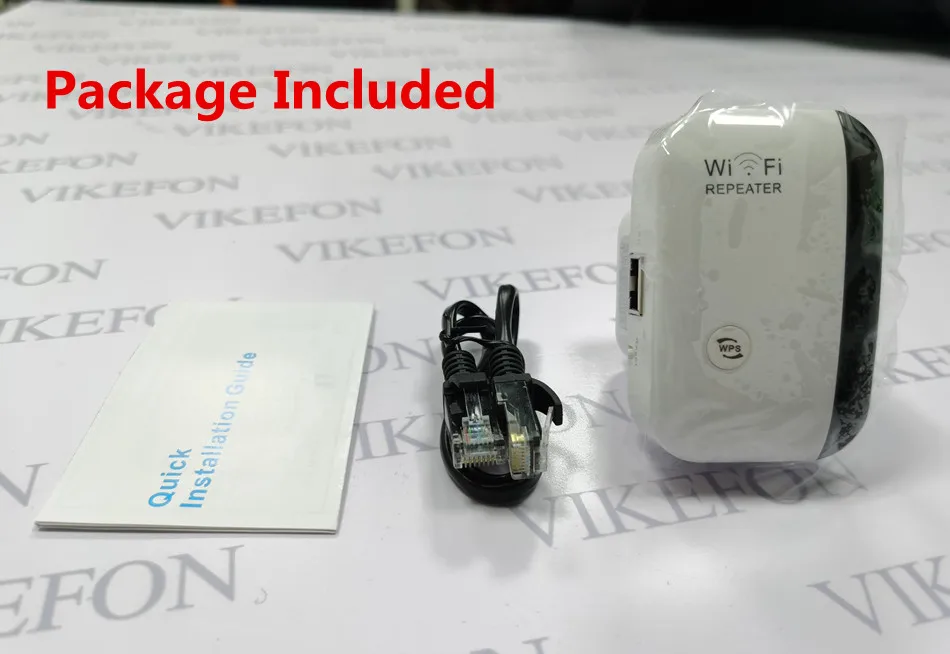
- Package: Yes
- Supports WDS: Yes
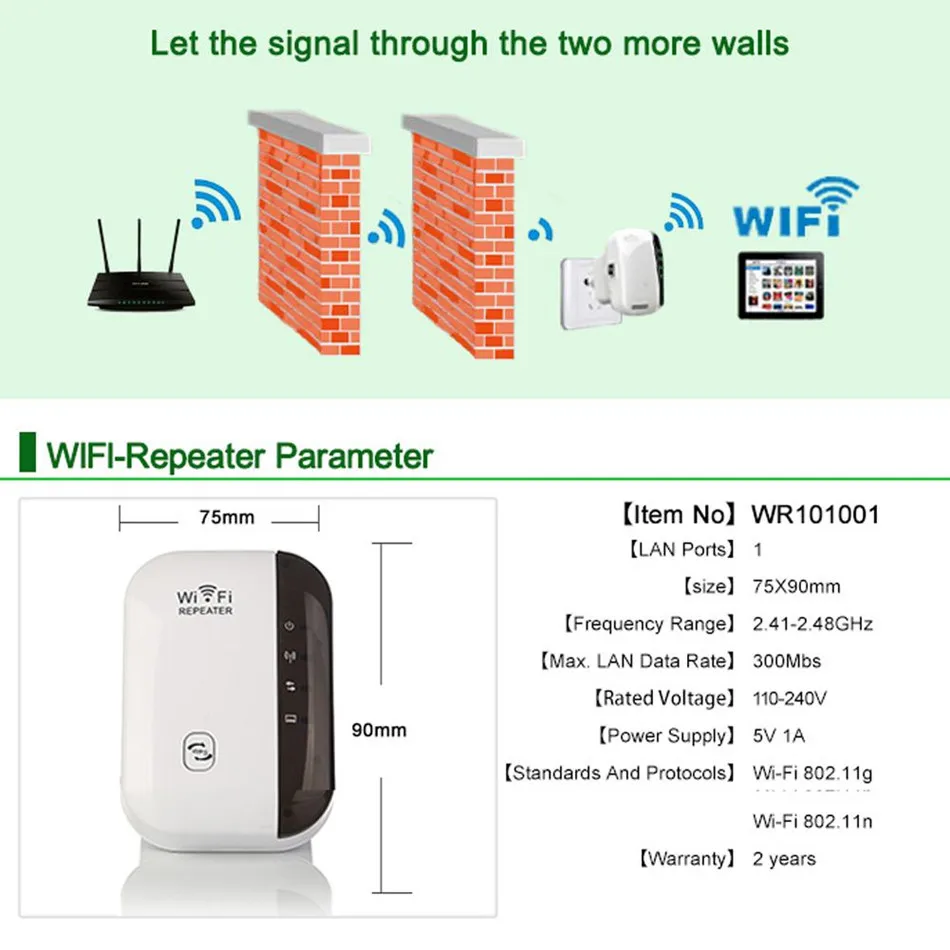
- Max. LAN Data Rate: 300Mbps
- Model Number: Wireless Wifi Repeater
- Standards And Protocols: Wi-Fi 802.11g
- Standards And Protocols: Wi-Fi 802.11b
- Standards And Protocols: Wi-Fi 802.11n
- Wi-Fi Transmission Standard: 802.11n
- 2.4G Wi-Fi Transmission Rate: 300 Mbps
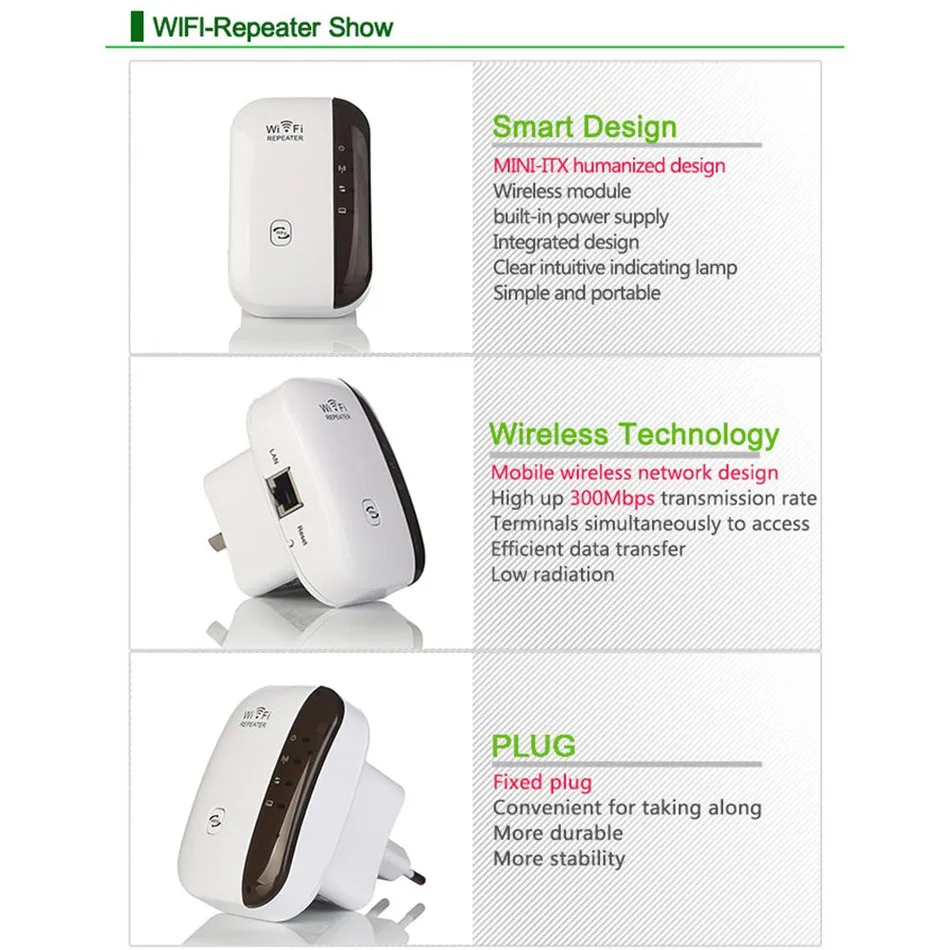
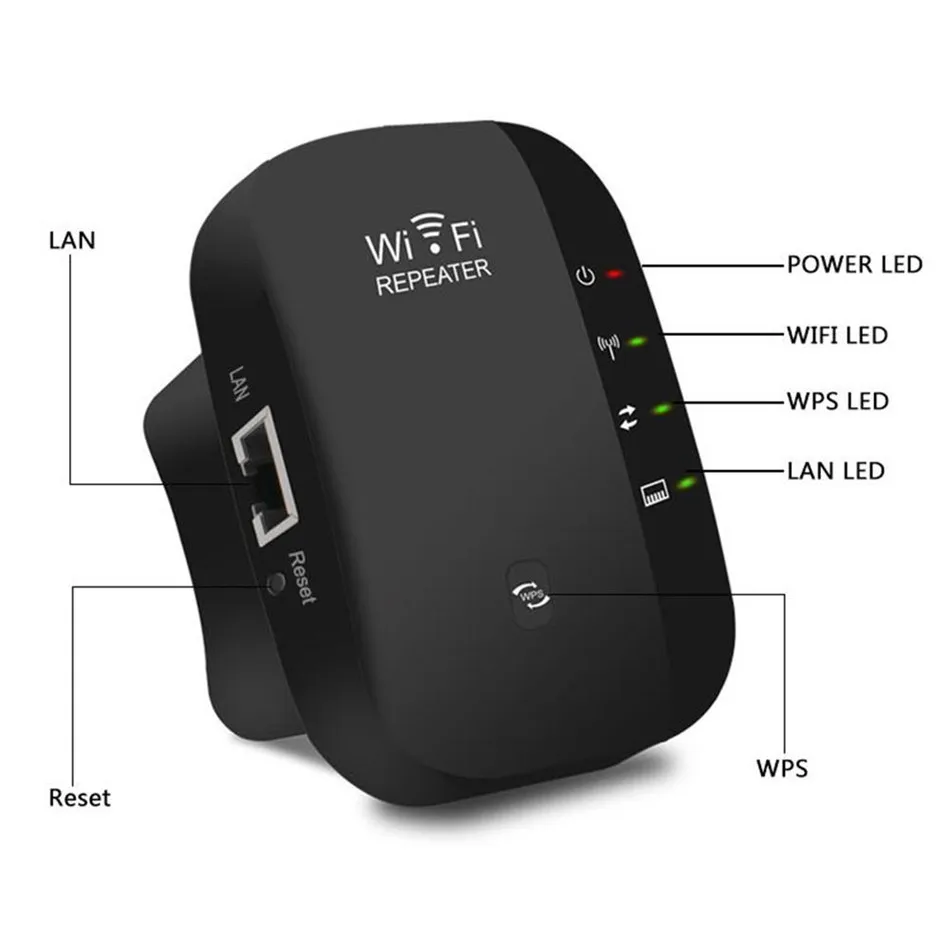
- LAN Ports: 1
- Supports WPS: Yes
- Function: Firewall
- Application: Soho
- Voltage (V): 110-240V
- Firewall: No
- Number of USB Interfaces: No Support
- Feature1: WiFi Repeater, WiFi Extender, WiFi Amplifier, WiFi Booster
- Feature2: wifi amplifier,repeater wifi,amplificador wifi
- Feature3: wireless wifi repeater,Wi-Fi amplifier,wlan repeater
- Feature4: wi fi repeater,wifi long range repeater,wifi repeater long range
- Feature5: access point,wifi repeater wifi amplifier
- Feature6: wifi signal amplifier,Wi-Fi signal amplifier
- Feature7: wifi range extender,wi-fi repeater
- Feature8: long range wifi repeater,internet booster
- Feature9: wifi repiter ,wireless wifi amplifier,repetidor wifi inalambrico
- Feature10: wifi booster amplifier,wifi access point,repetidor wifi
- Feature11: wi fi booster,wi fi repetidor,wifi signal booster
- Feature12: wifi Repiter ,wifi Repiter,long range wifi repeater


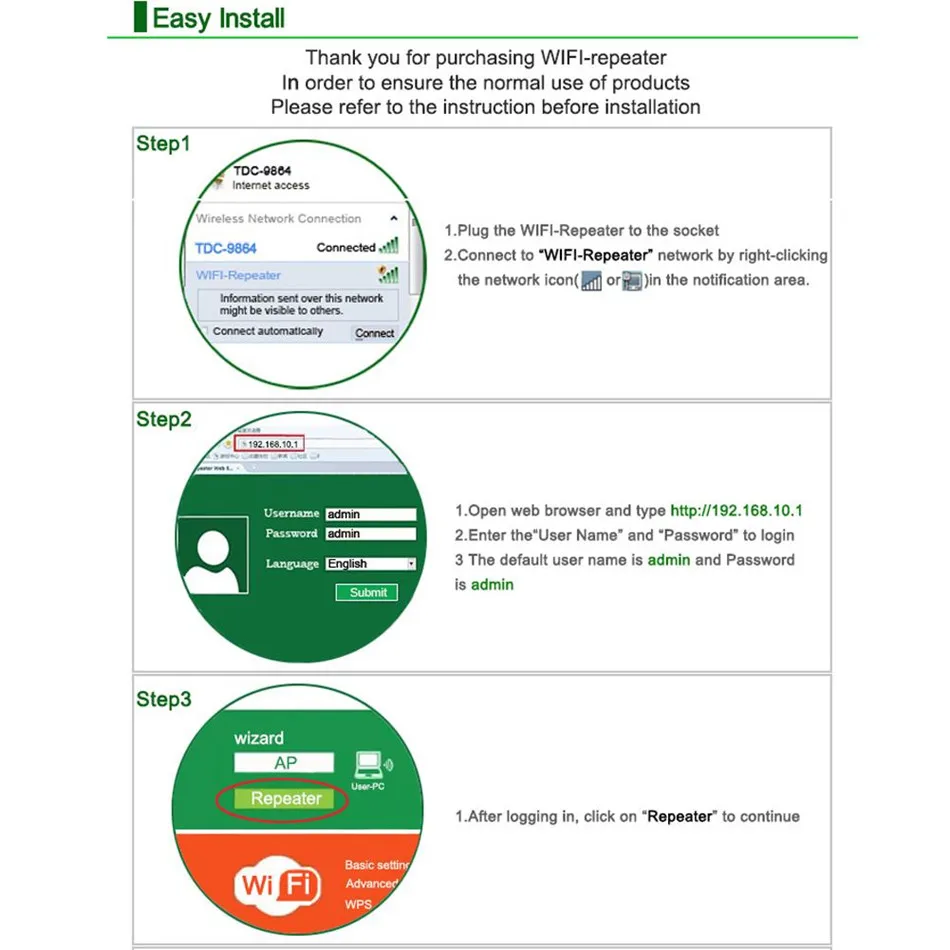
Installation:
1. please reset the device for better connection.
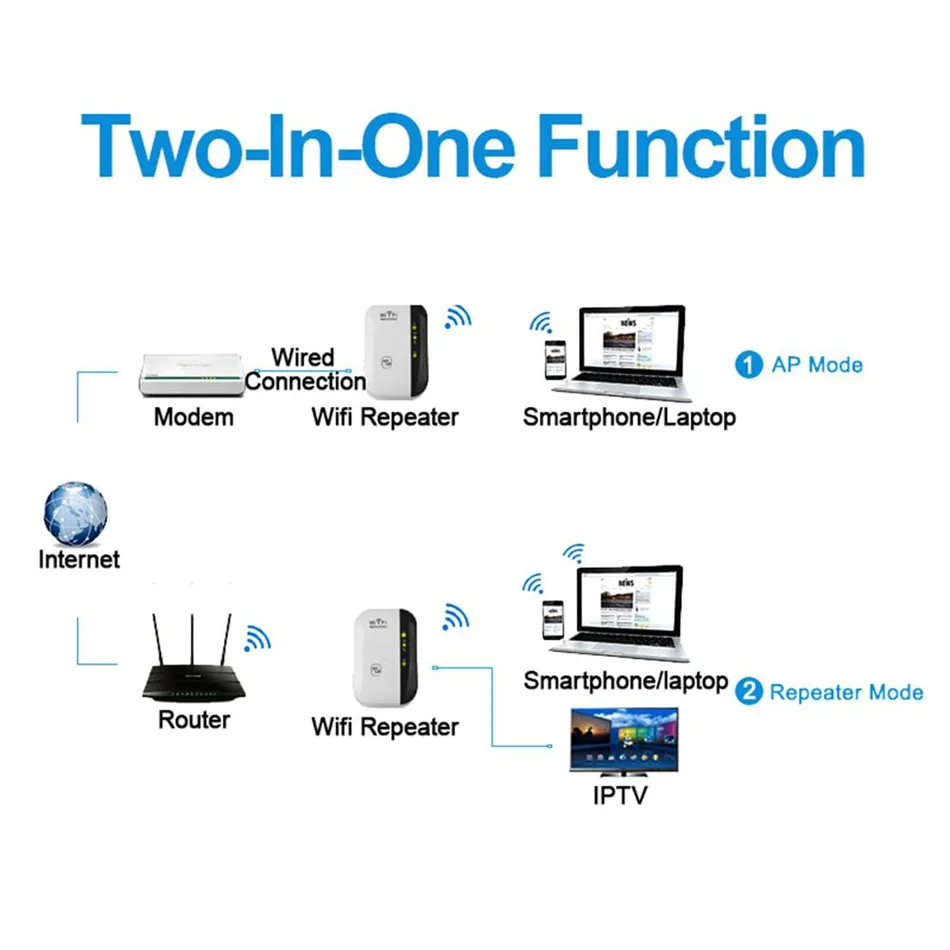
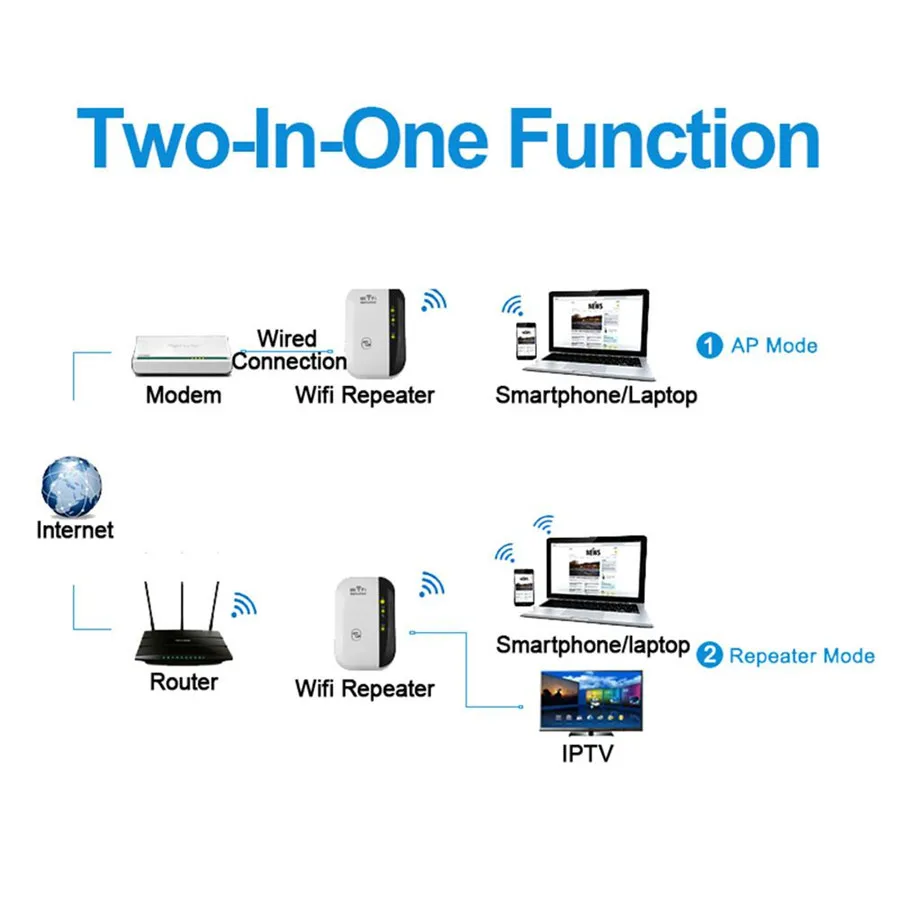
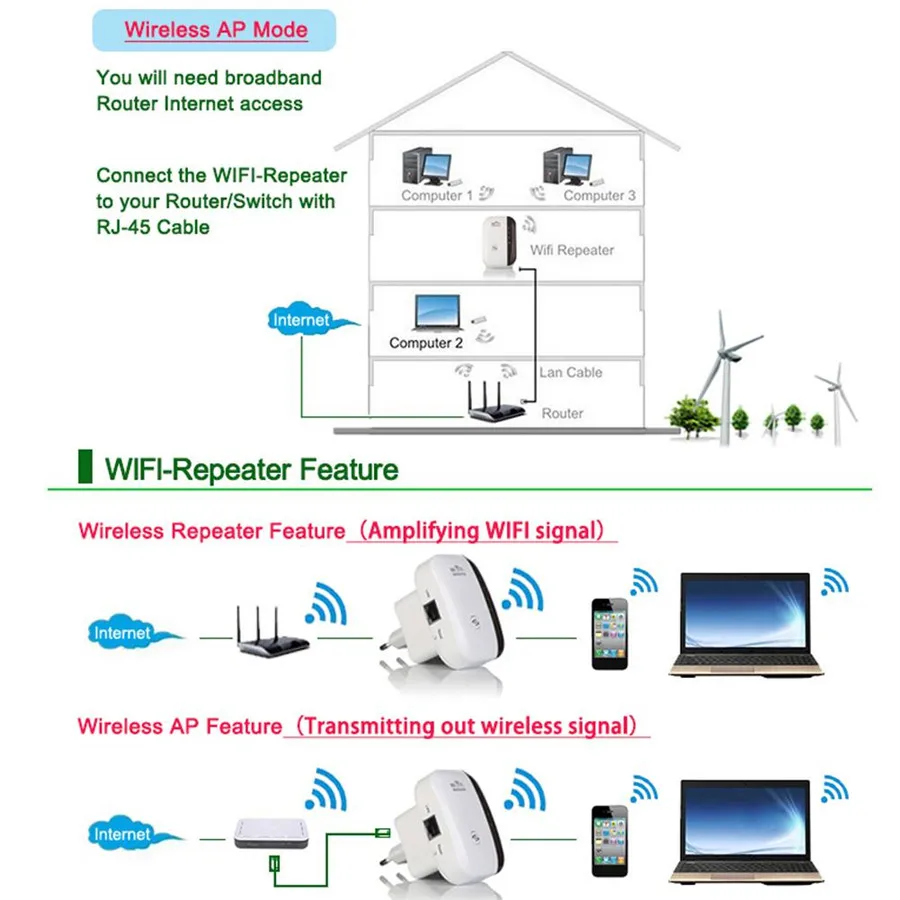
a: Reapter mode:
1.1 find the wifi, connect it,
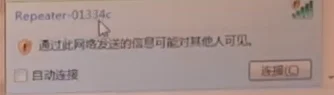
1.2 then enter the website: 192.168.11.1, user name and passwords :admin, login in
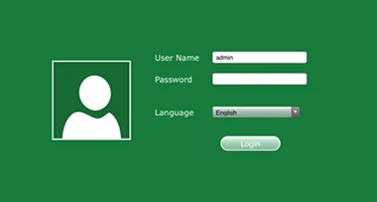
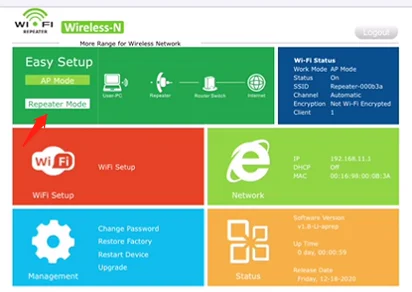
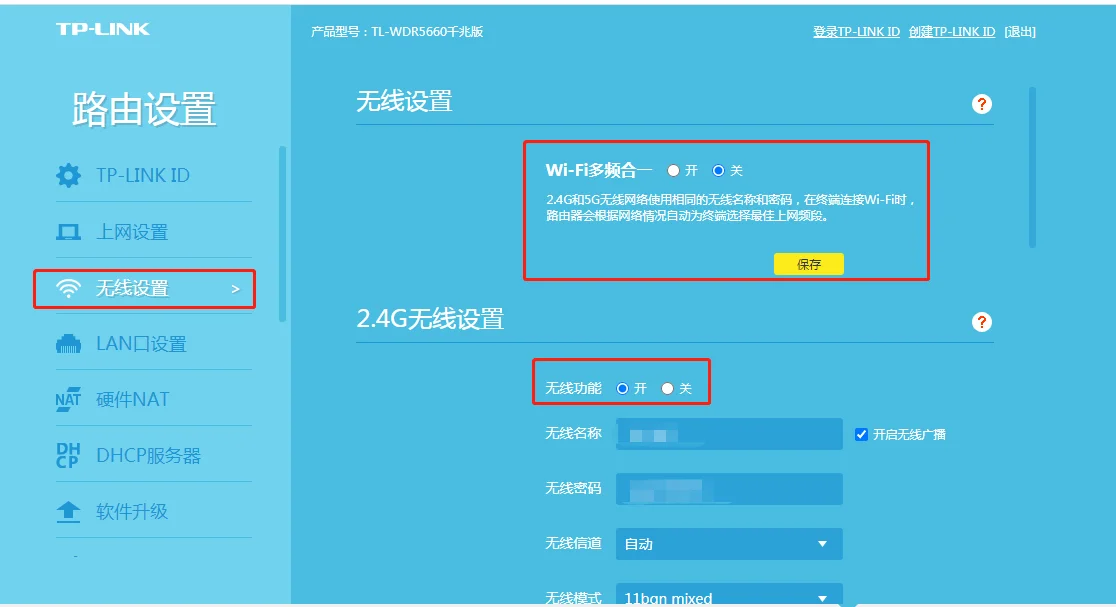
1.3 Choose repeater mode, and choose one wifi, please note: wifi must be 2.4G, can’t be 5g. If you are not sure your wifi is 2.4G or 5G, or support both, please enter your router website, which can be found on
the opposite side of the router, for example: enter and find the wireless setting, close the switch of wifi Multi-frequency in one, only turn on 2.4G wifi.
1.4 then, back to the repeater mode, find your wifi and input the wifi code, after setting well, please connect the EXTEND SSID WIFI , input the wifi code, it will be working , like below:
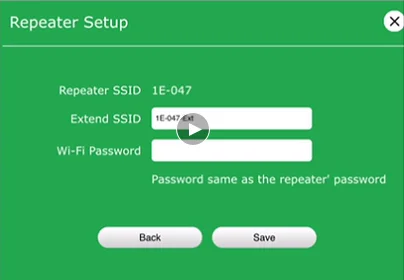

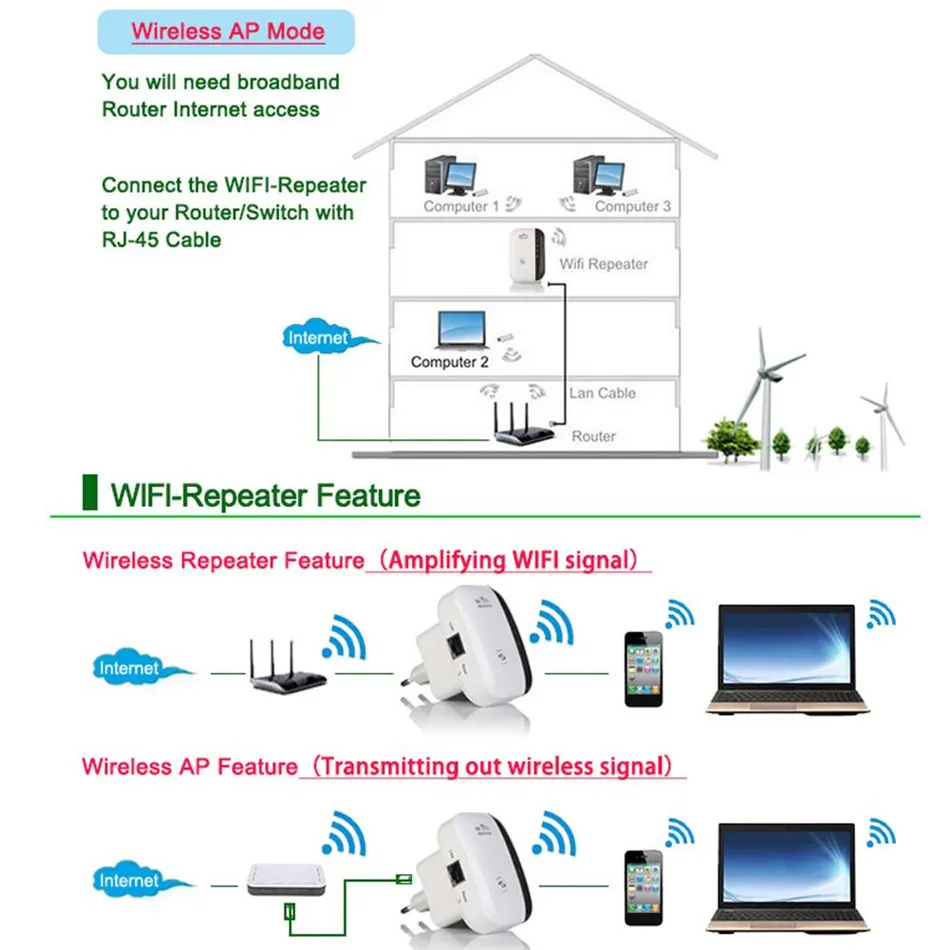
B. AP mode:
follow the above 1.1-1.2 and choose AP mode, choose encryption or not encryption, if encryption, please input the code you want to set, like below:
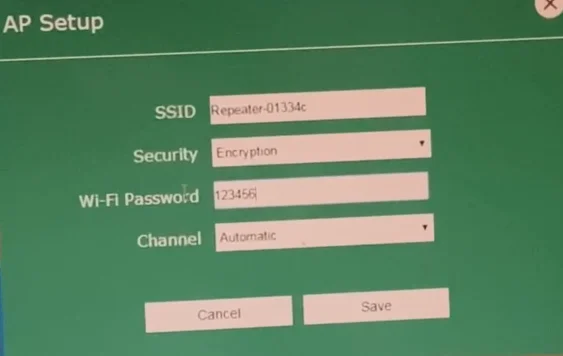
then, use a network cable to connect the repeater and your router, then connect the wifi of the device again, and it will be working.
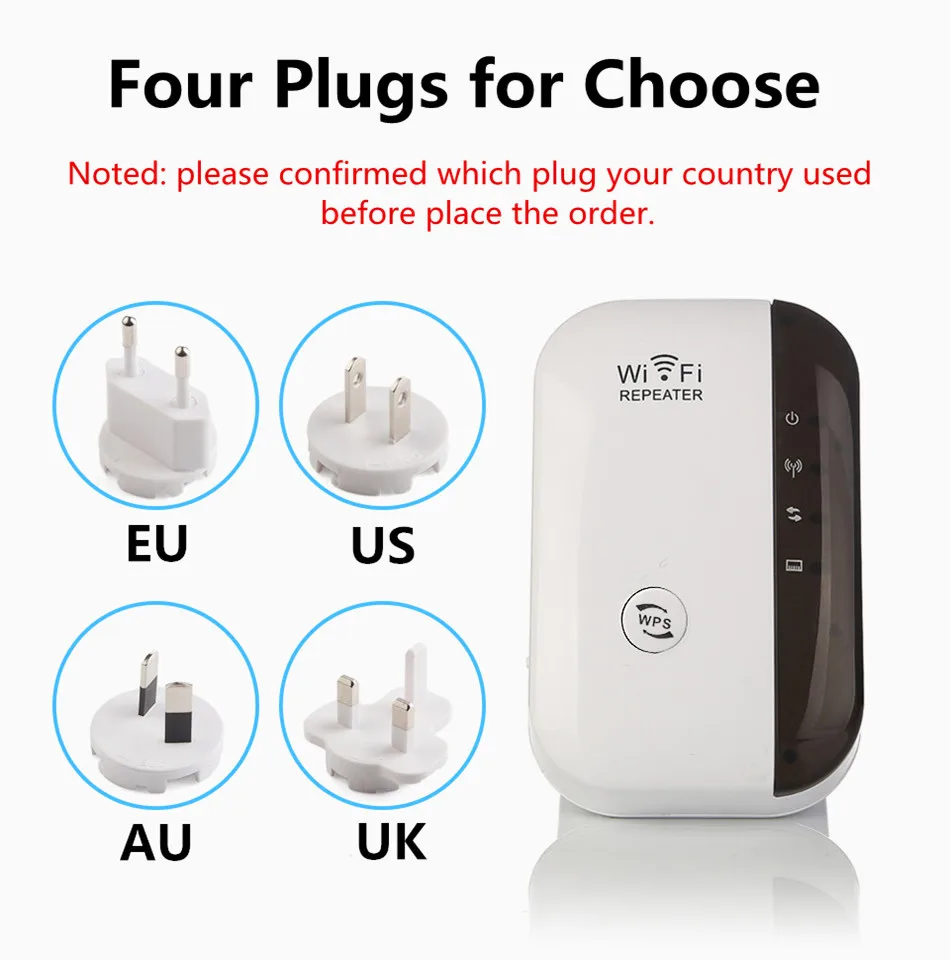
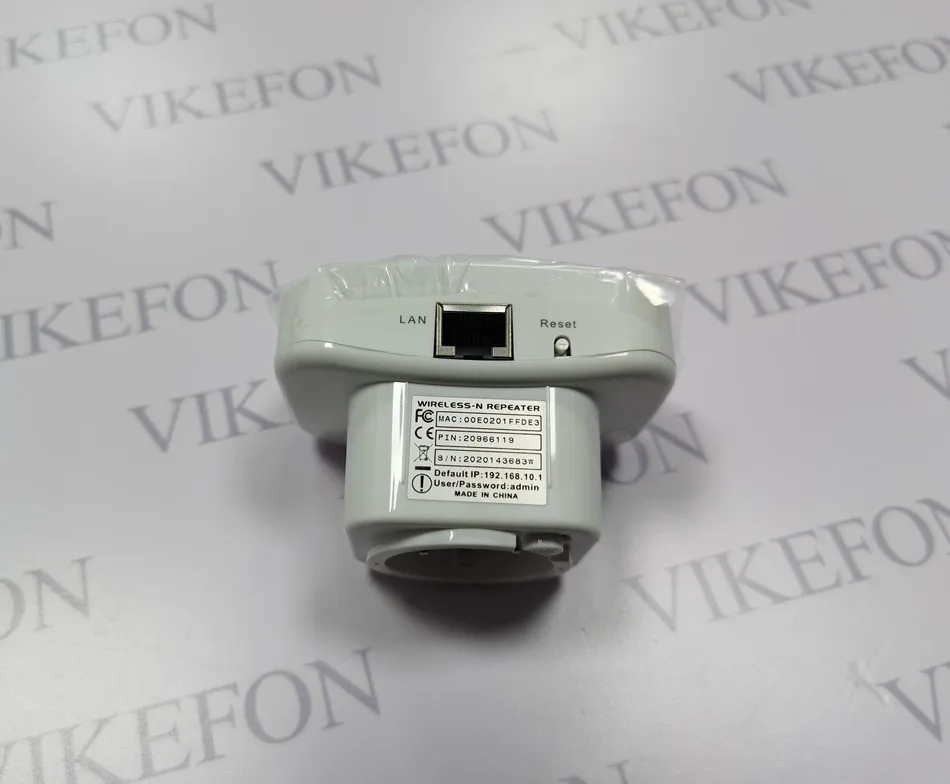
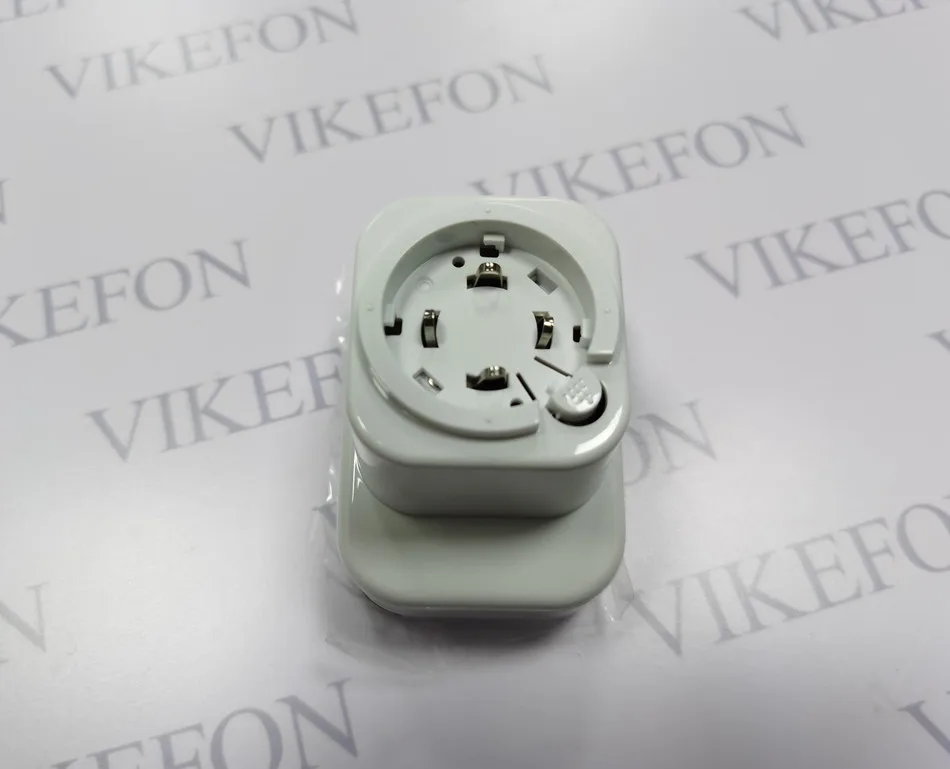
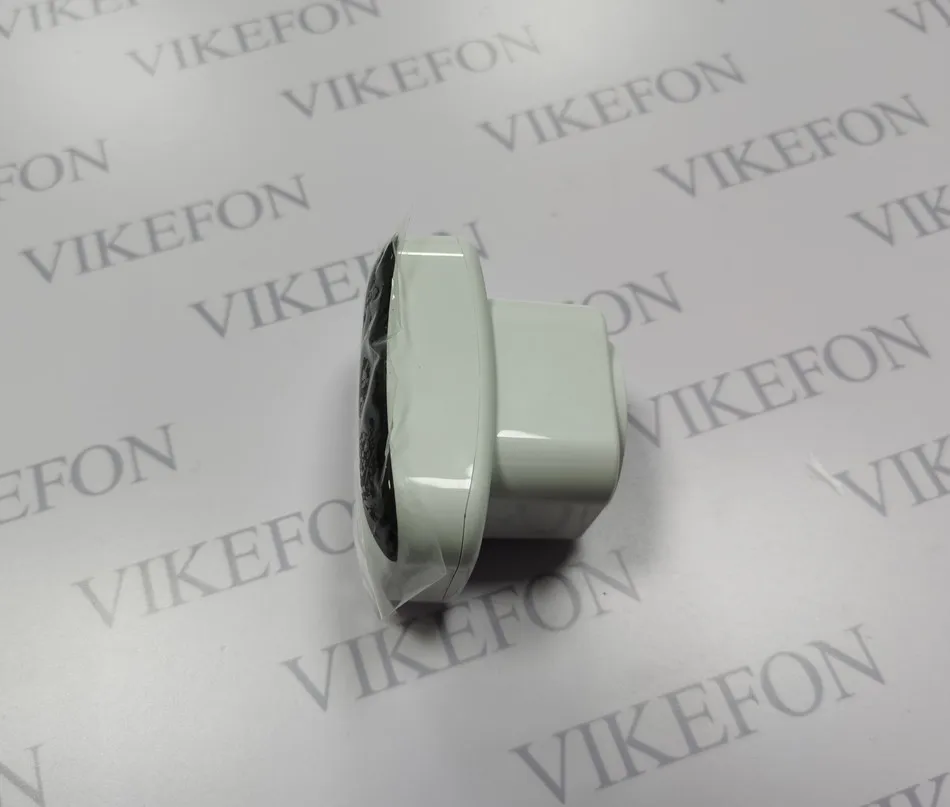
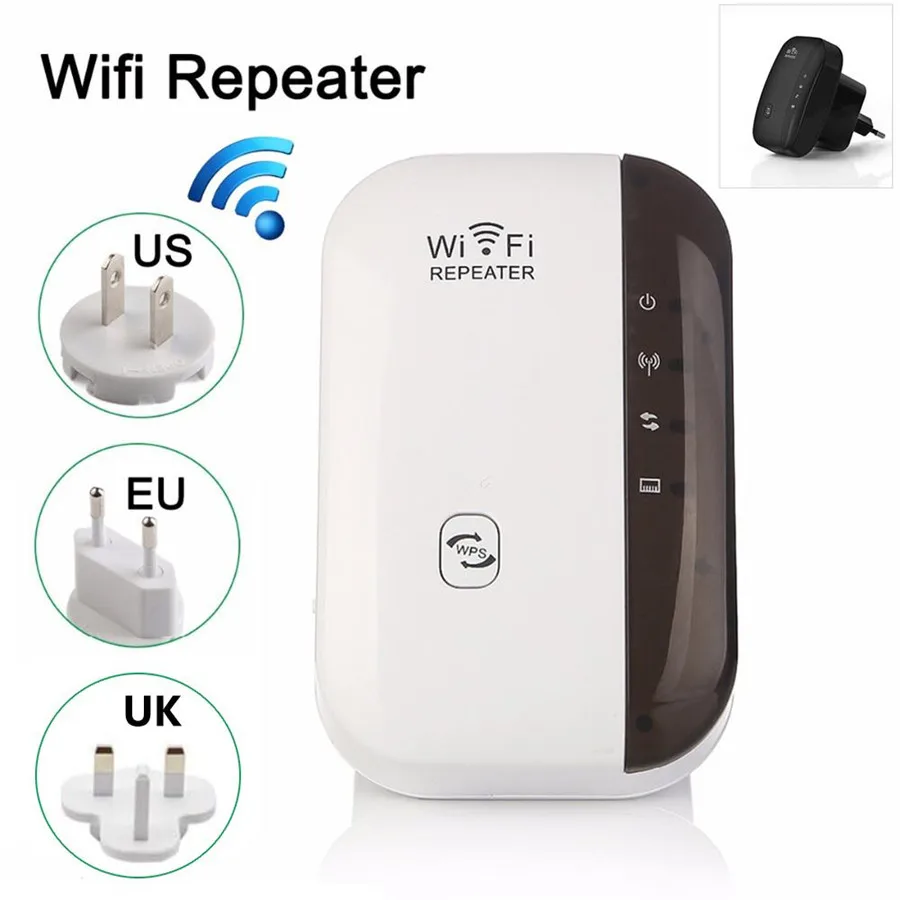
Note:Because the AU plug will be cheaper, so lots of people buy it,but its can not use in their country after receive the AU plug.So please confirm if it can use in your country when you buy it. The AU plug only can use for Australia normal. Follow was AU plug real photos.
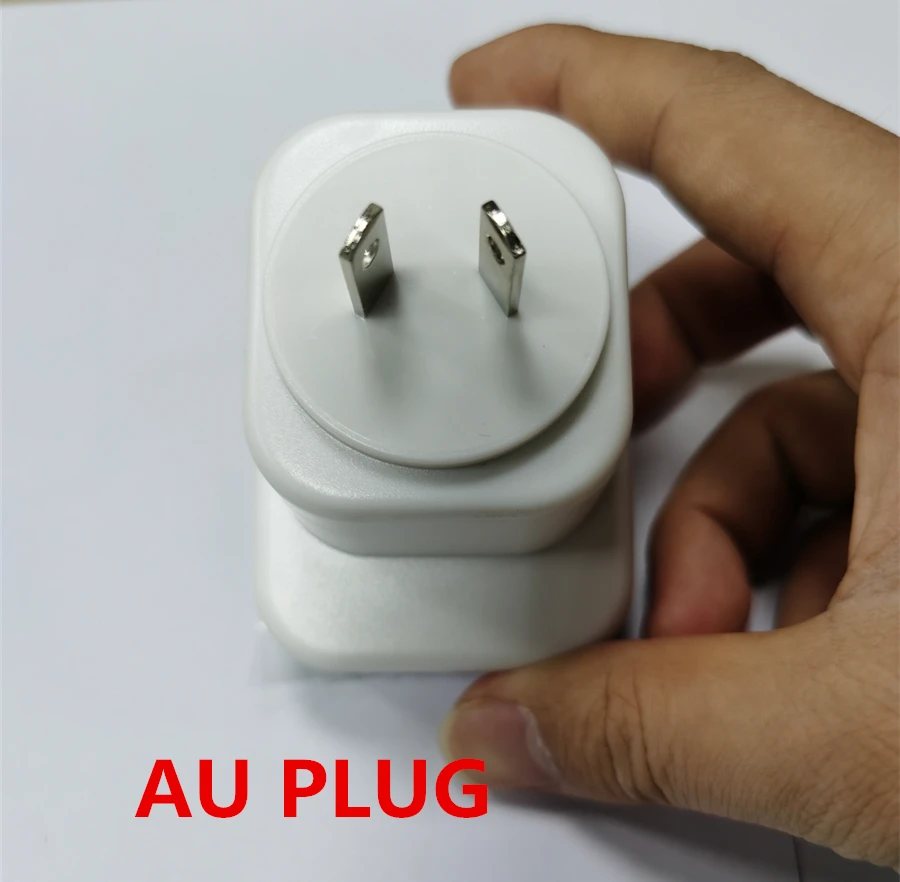
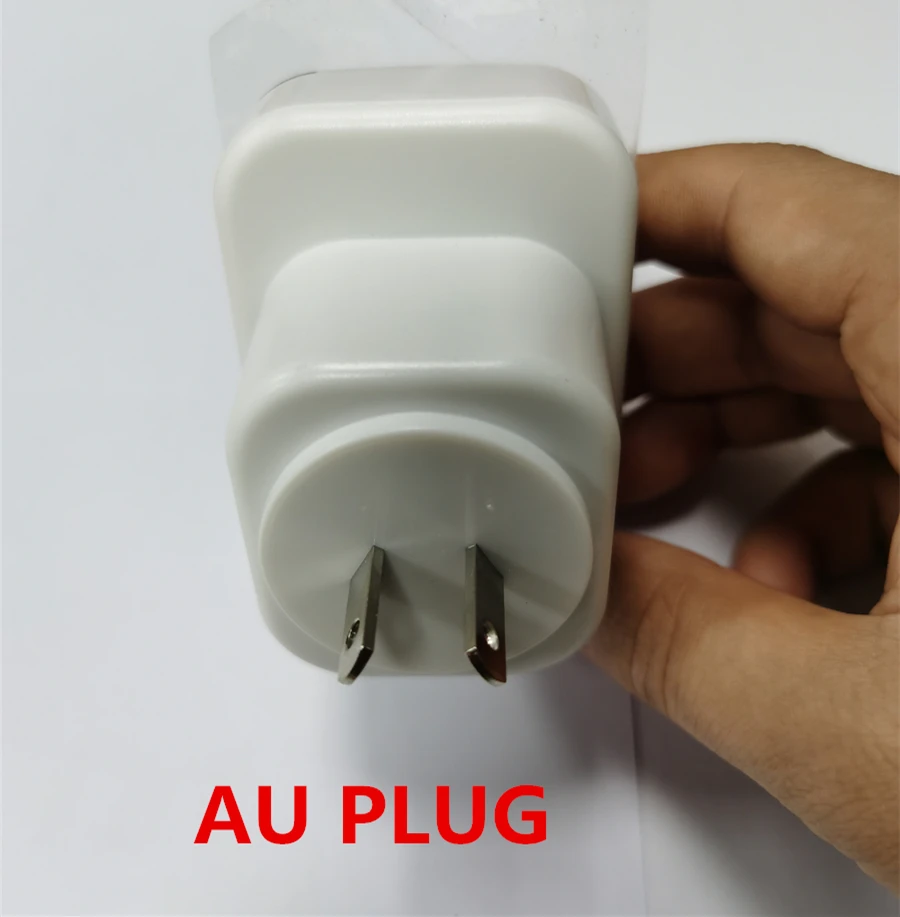
If you are not Australia, Please buy other standard plug ,do not buy AU plug ,otherwise if it can not use in your country , we will not refund.thanks.